|
Product type |
Laptop stand |
|
Product colour |
Black, Dark Grey |
|
Material |
Aluminium, Rubber, Steel |
|
Minimum notebook screen size compatibility |
25.4 cm (10") |
|
Maximum notebook screen size compatibility |
43.2 cm (17") |
|
Number of devices supported |
1 |
|
Retractable mouse pad |
No |
|
Non-slip surface |
Yes |
|
Maximum weight capacity |
3 kg |
|
Foldable |
Yes |
|
Adjustable |
Yes |
|
Height adjustment |
Yes |
|
Height adjustment range |
110 - 180 mm |
|
Maximum height |
18 cm |
|
Number of height positions |
5 |
|
Cable management |
No |
|
Width |
215 mm |
|
Depth |
266 mm |
|
Height |
8 mm |
|
Length |
266 mm |
|
Weight |
265 g |
|
Package width |
247 mm |
|
Package depth |
345 mm |
|
Package height |
10 mm |
|
Package weight |
355 g |
|
Package type |
Box |
|
Country of origin |
Netherlands |
|
Pallet gross weight |
323 g |
|
Harmonized System (HS) code |
84733080 |
|
Products per pallet |
720 pc(s) |
|
Pallet gross length |
120 cm |
|
Pallet gross width |
80 cm |
|
Pallet gross height |
180 cm |
|
Customs product code (TARIC) |
8473308000 |
|
Brand |
Bakker Elkhuizen |
|
Type |
Laptop Stand |
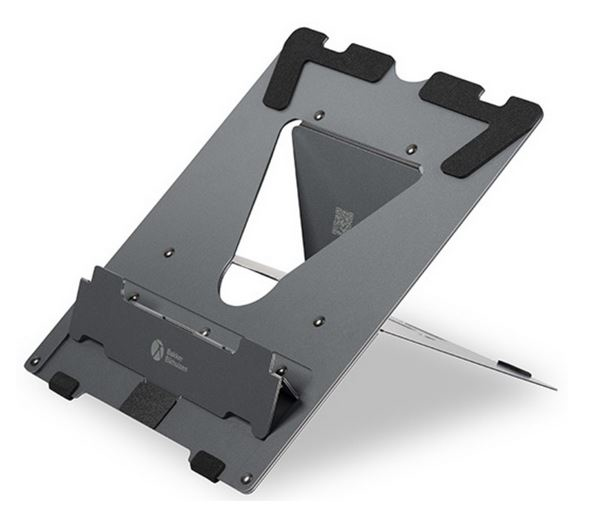
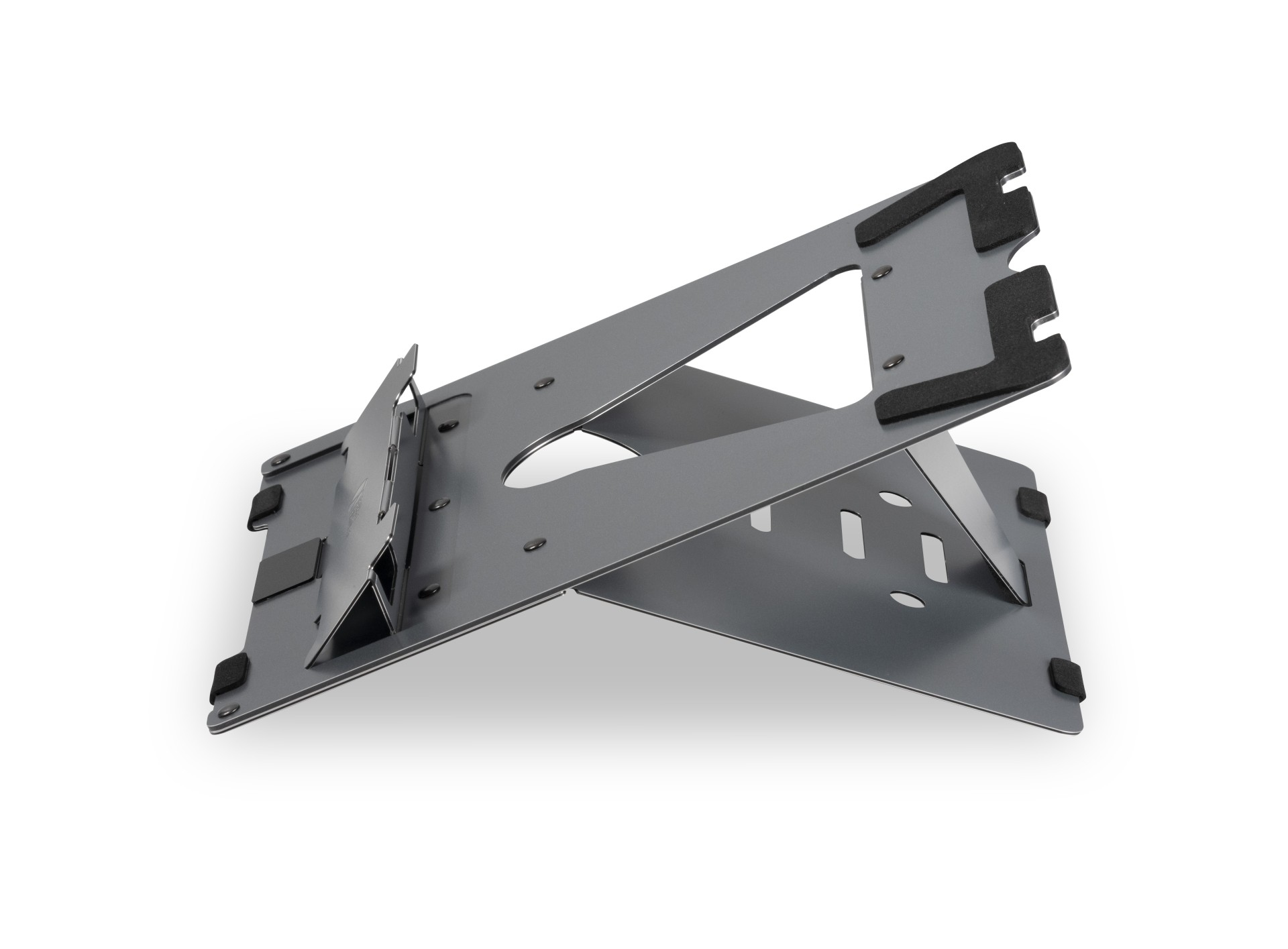
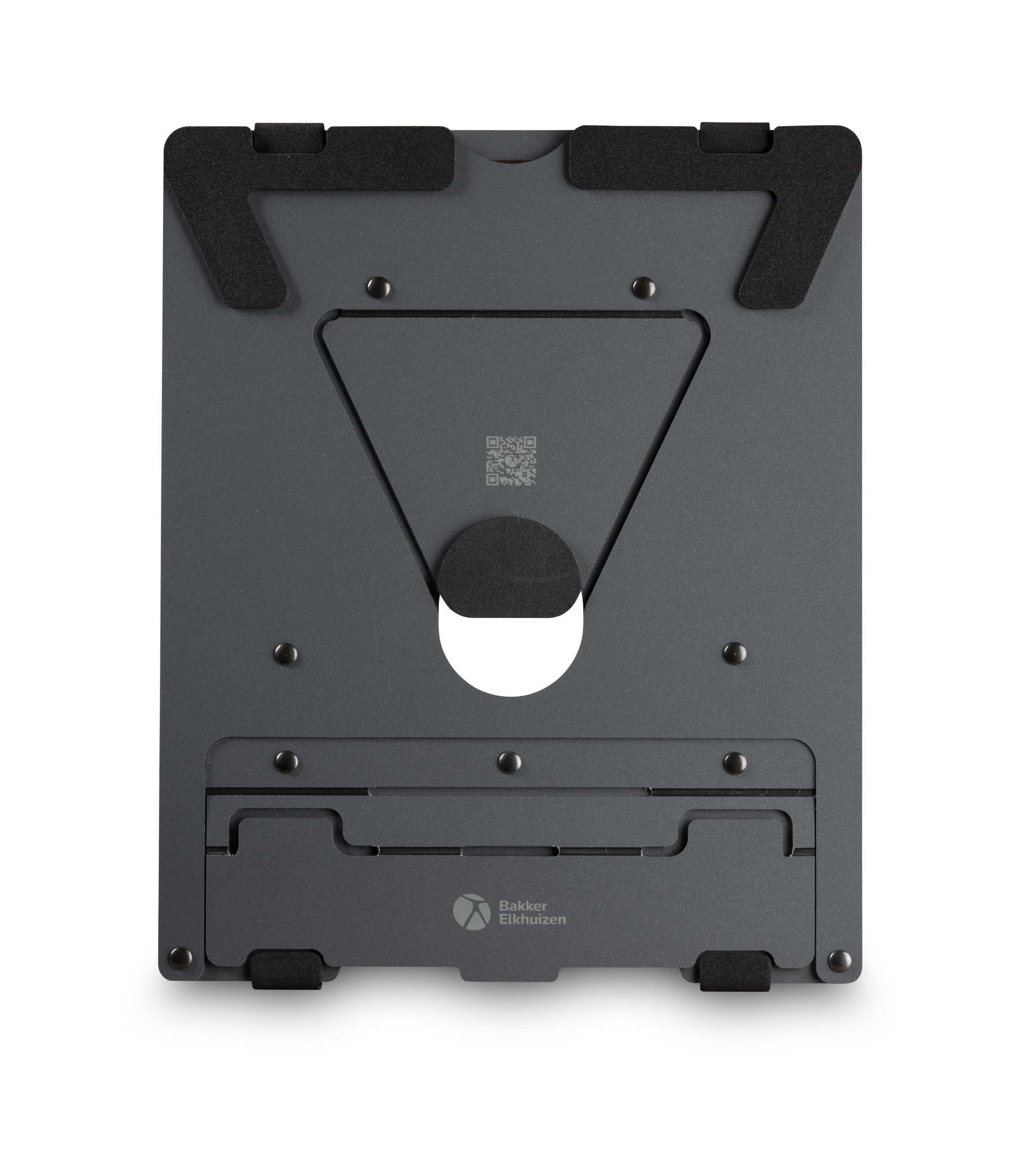
Ergo-Q 160 A laptop stand with a lot of stability, quality and power. The high-quality aluminium sandwich material in several layers makes it very stable and indestructible. A compact size, magnetic closure and a very lightweight make the laptop stand ideally suitable for mobile work. The Ergo-Q 160 is appropriate for almost any laptop size (up to 17 inches) and works also for tablets and mobile screens. A quick installation of your device is guaranteed, with five levels for the height-adjustment. From now on you will work in a healthier posture with the Ergo-Q 160 laptop stand and raise your laptop screen to the optimum height and viewing angle. Just set it up. The Ergo-Q 160 can be set up in a few seconds. Unfold it and simply put the connection piece, which is made of the high-quality aluminium sandwich material, in one of the five slots. The highly stable stand and the anti-slip feet on the underside promise a firm working setup for your laptop on any surface. - Adjust your laptop screen to the correct height, angle, and distance so that you automatically adopt an ergonomically correct posture. Ergonomic background - Distance between your eyes and the screen should be 50-80 cm (approximately an arm length), depending on monitor size and resolution. Adjust the distance of your screen (VGB DGUV Information 215-410, 2019, S. 93.). - The angle of your line of vision to the middle of the screen should be approximately -35°, so also adjust the height of your screen (VGB DGUV Information 215-410, 2019, S.46.). High-quality aluminium sandwich material in the trend colour dark grey. The high-quality aluminium sandwich material of the Ergo-Q 160 is lighter than aluminum and at the same time more resistant to dents. The Ergo-Q 160 consists of one thin and one thick layer of aluminium sandwich material. This special composition makes it extraordinary stable and indestructible. The open design of the laptop stand gives enough ventilation space, so that your laptop stays cool. The dark grey design with a matt surface of the Ergo-Q 160 is modern and elegant. And is an absolute eye-catcher for every workplace. Laptop work has never been healthier. You’d like to reduce and prevent physical discomfort and work more productively with your laptop? Then start using the Ergo-Q 160 and stop bending your neck and back "into your screen". With the help of a laptop stand you get your laptop screen to the right height, angle, and distance, and this leads automatically to the adoption of a healthier posture in front of your screen.
We are sorry but no alternatives are currently available.