|
Display diagonal |
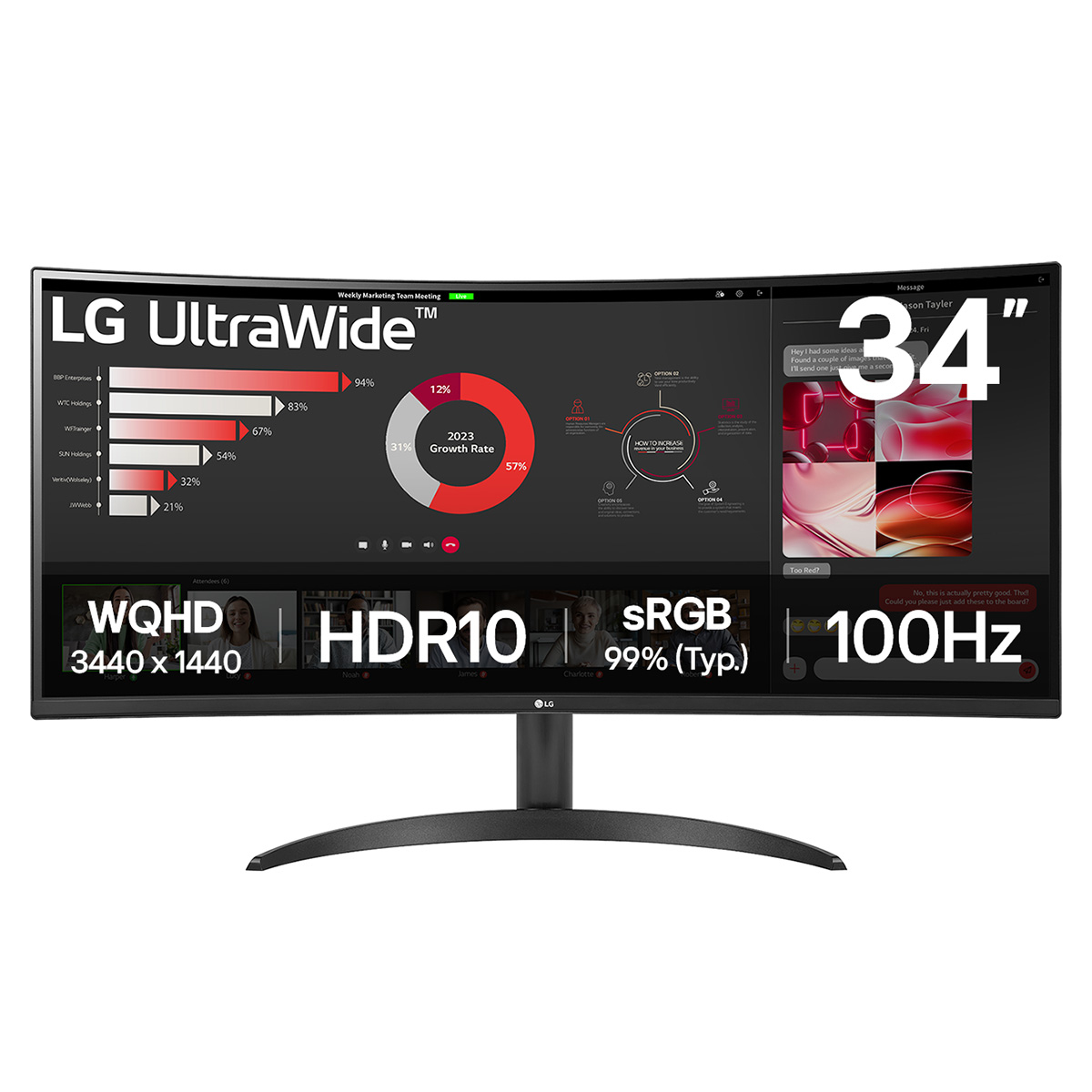
86.4 cm (34") |
|
Display resolution |
3440 x 1440 pixels |
|
Native aspect ratio |
21 |
|
Touchscreen |
No |
|
HD type |
Wide Quad HD |
|
Panel type |
VA |
|
Response time |
5 ms |
|
Screen shape |
Curved |
|
Contrast ratio (typical) |
3000 |
|
Maximum refresh rate |
100 Hz |
|
Display number of colours |
16.7 million colours |
|
Display brightness (typical) |
300 cd/m² |
|
Response time measurement type |
GTG (Gray to Gray) |
|
Screen curvature rating |
1800R |
|
Supported graphics resolutions |
640 x 480 (VGA), 800 x 600 (SVGA), 1024 x 768 (XGA), 1920 x 1080 (HD 1080), 3440 x 1440 |
|
Supported video modes |
480p, 720p, 1080p, 2160p |
|
Viewing angle, horizontal |
178° |
|
Viewing angle, vertical |
178° |
|
Pixel pitch |
0.23175 x 0.23175 mm |
|
Display diagonal (metric) |
86.42 cm |
|
High Dynamic Range (HDR) supported |
Yes |
|
High Dynamic Range (HDR) technology |
HDR Effect, High Dynamic Range 10 (HDR10) |
|
Colour depth |
10 bit |
|
sRGB coverage (typical) |
99% |
|
NVIDIA G-SYNC |
No |
|
AMD FreeSync |
Yes |
|
AMD FreeSync type |
FreeSync |
|
Flicker-free technology |
Yes |
|
Smart modes |
Energy saving |
|
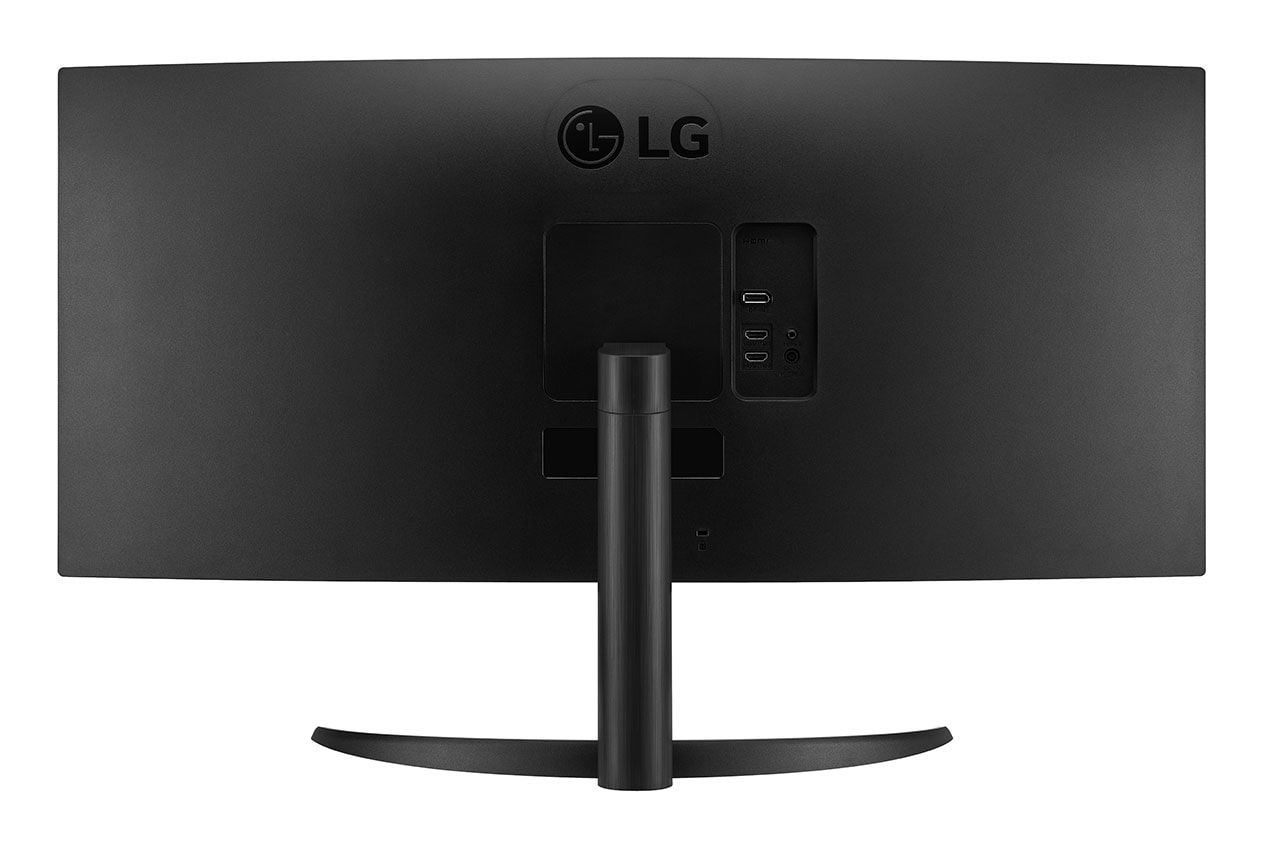
Built-in speaker(s) |
No |
|
Built-in camera |
No |
|
Product colour |
Black |
|
Front bezel colour |
Black |
|
Feet colour |
Black |
|
Built-in USB hub |
No |
|
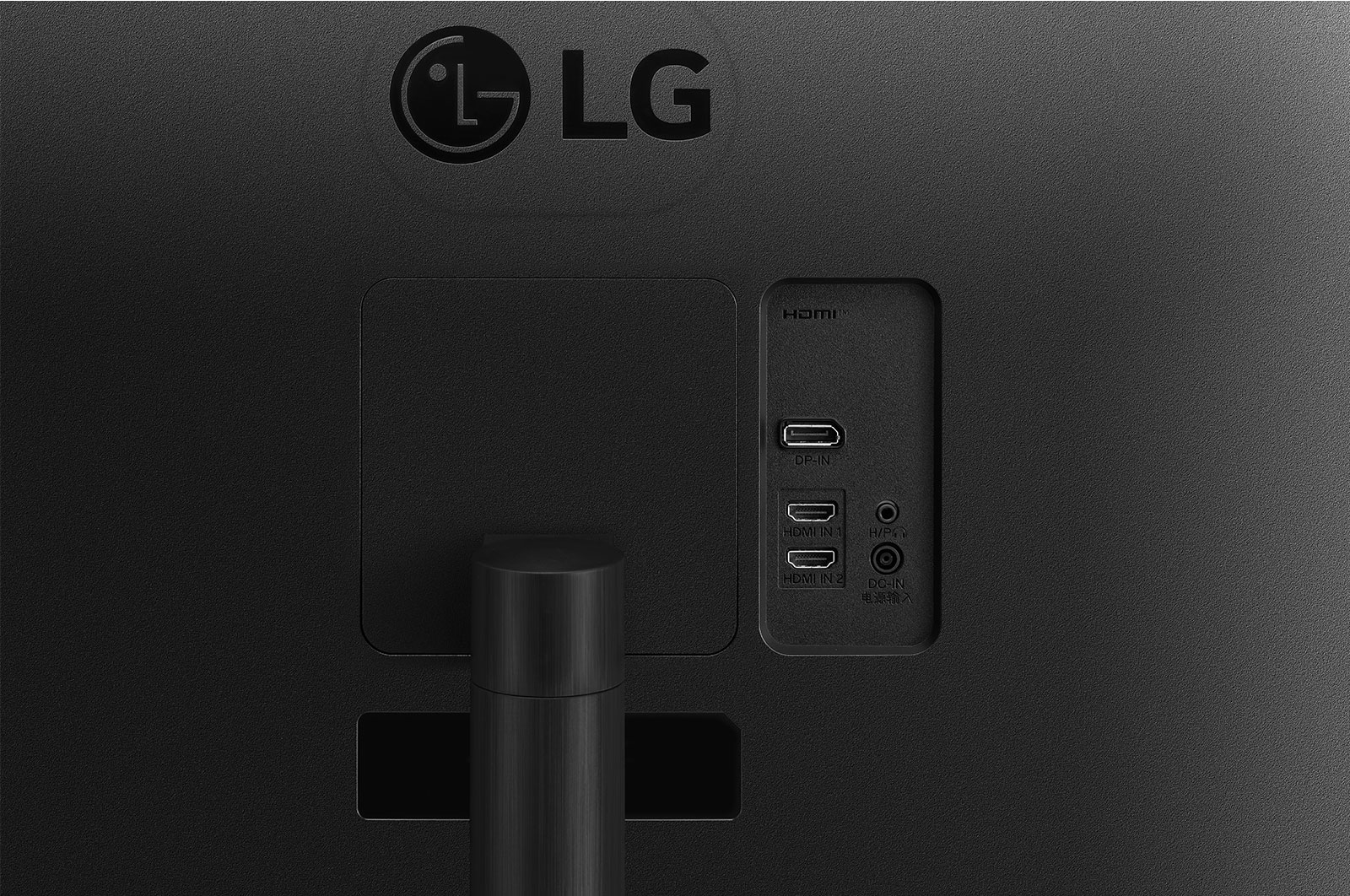
HDMI |
Yes |
|
Headphone out |
Yes |
|
HDMI ports quantity |
2 |
|
DisplayPorts quantity |
1 |
|
DisplayPort version |
1.4 |
|
Headphone outputs |
1 |
|
VESA mounting |
Yes |
|
Cable lock slot |
Yes |
|
Brand |
LG Electronics |
|
Type |
24.1 Inch |
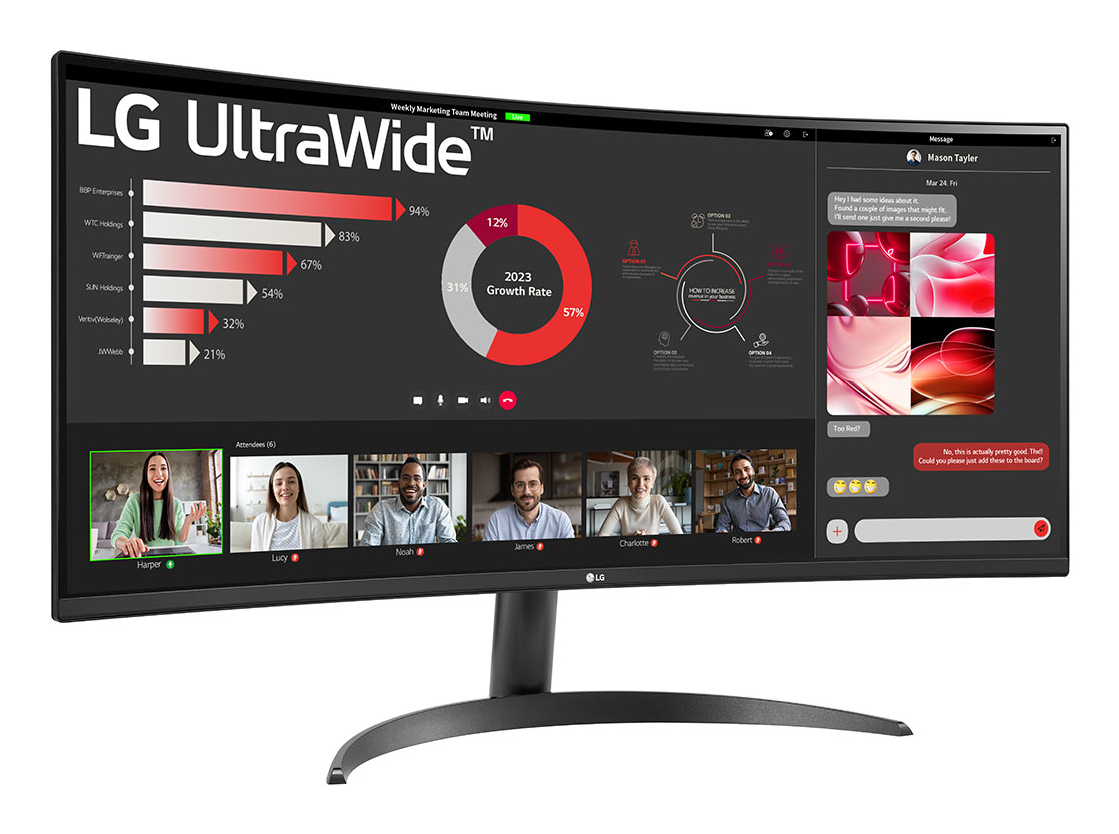
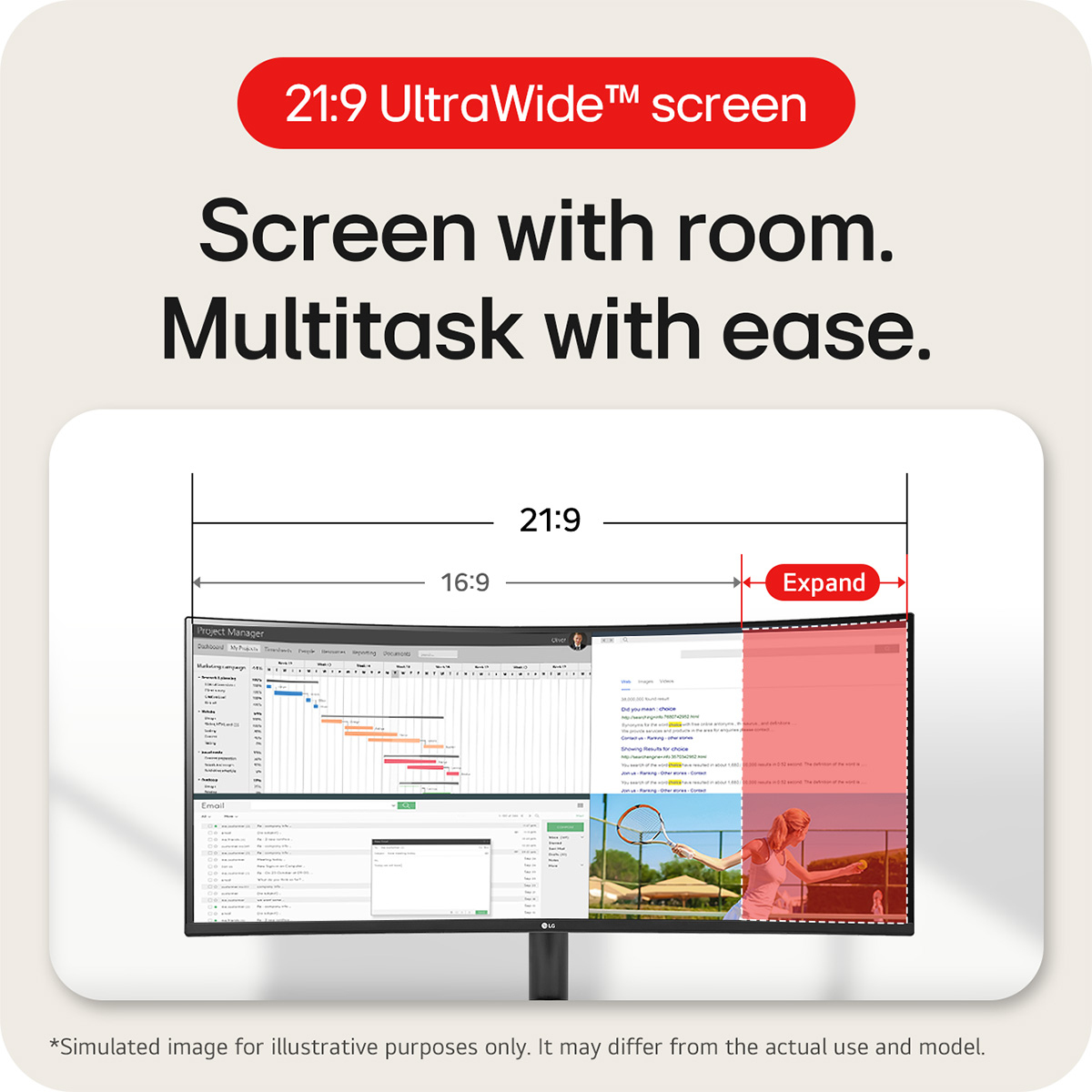
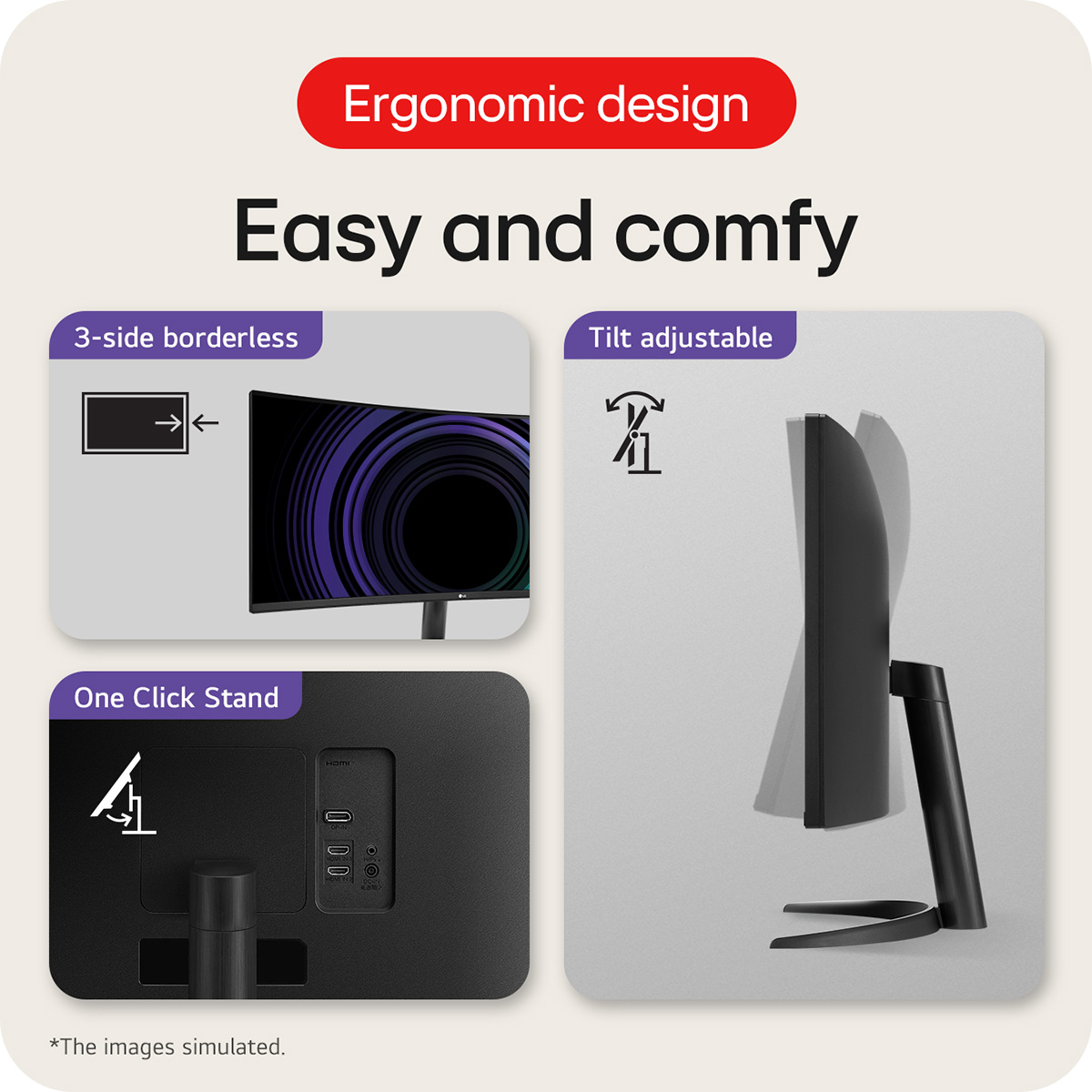
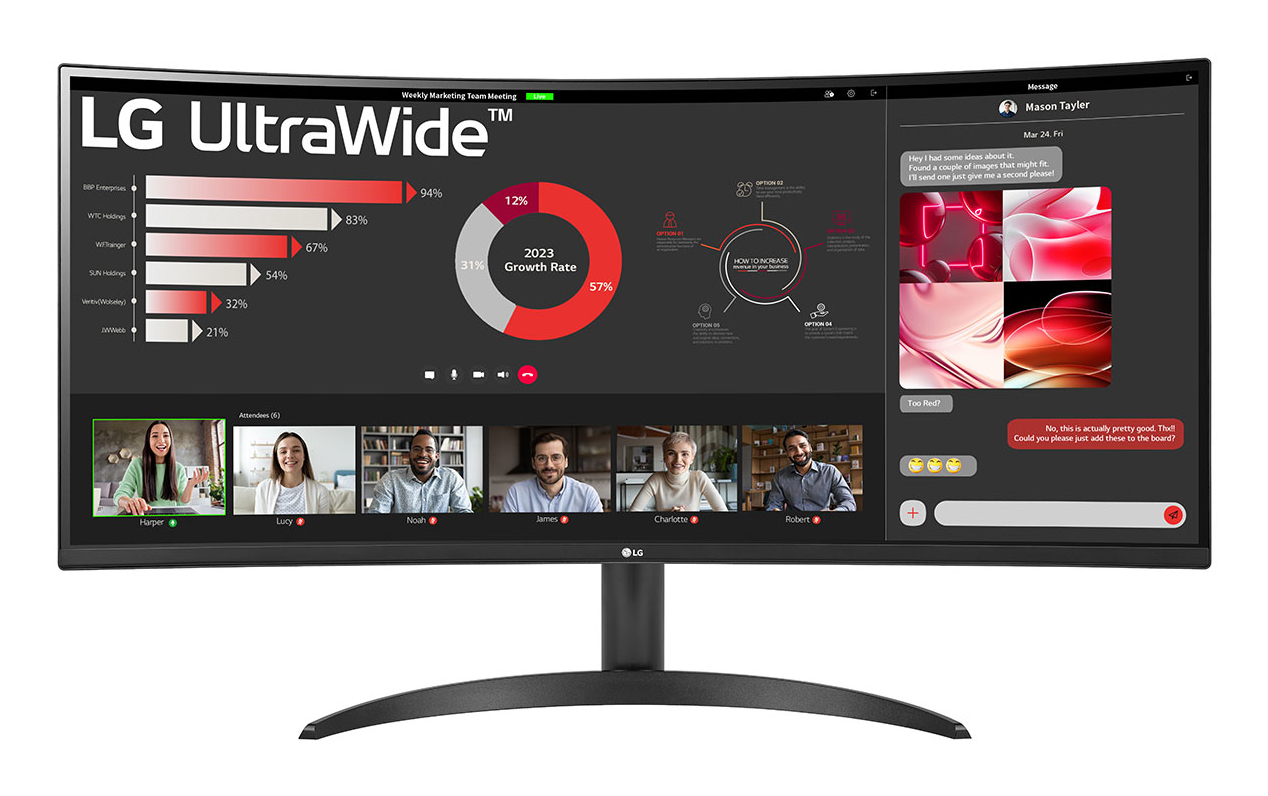
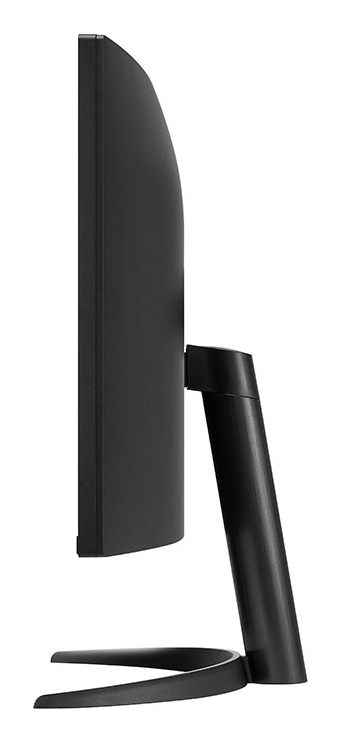
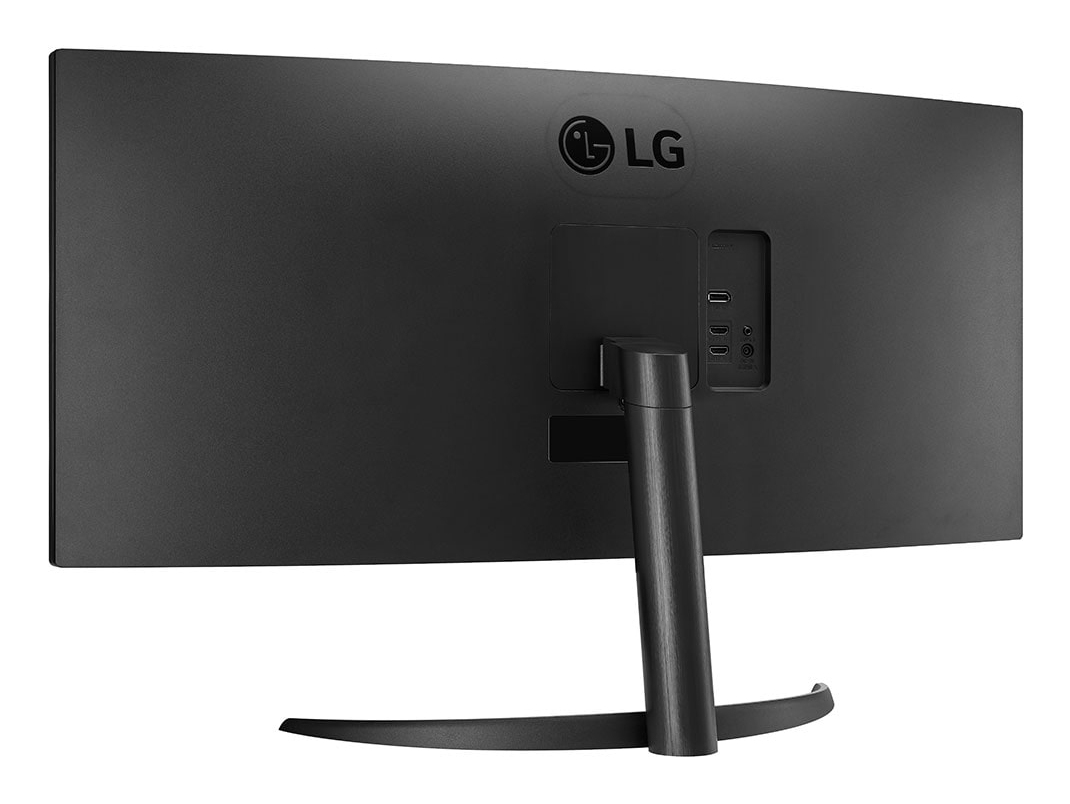
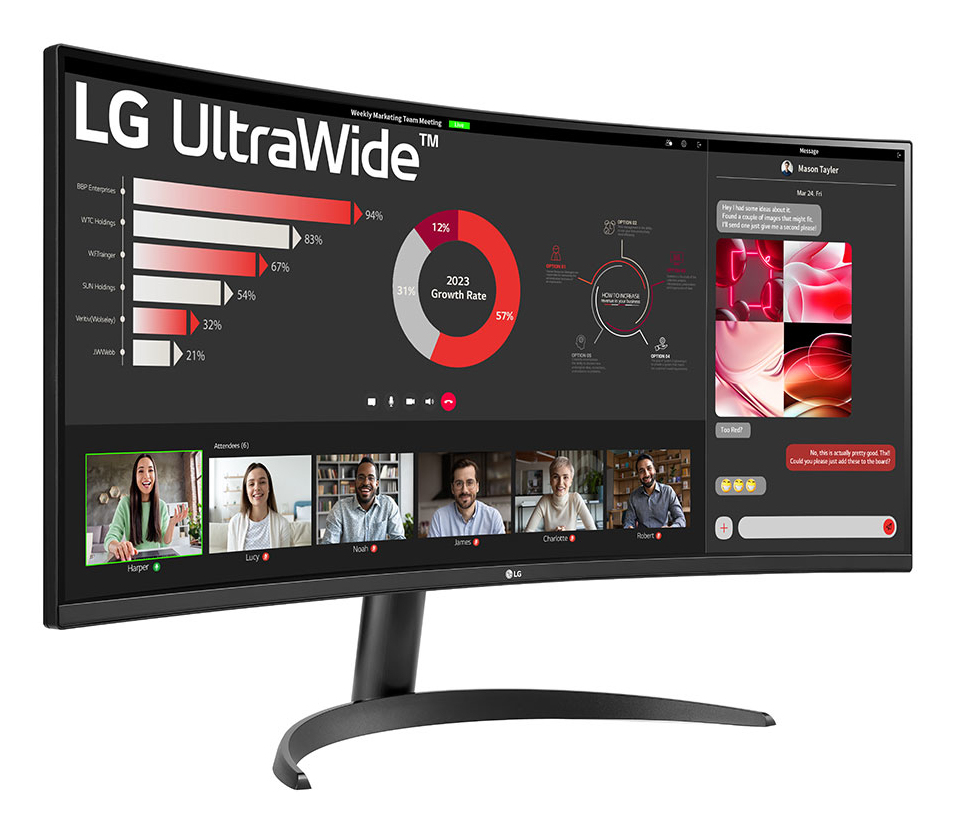
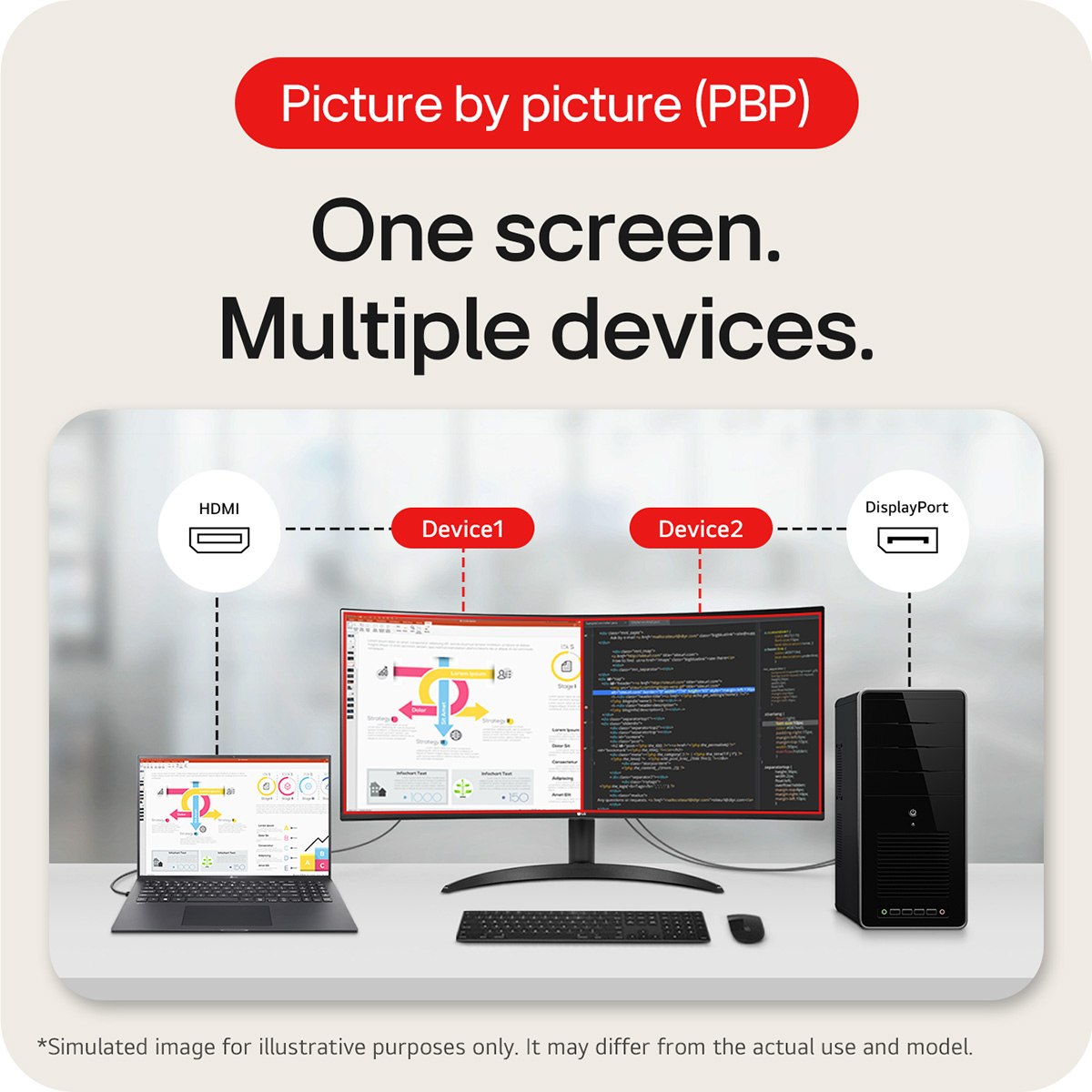
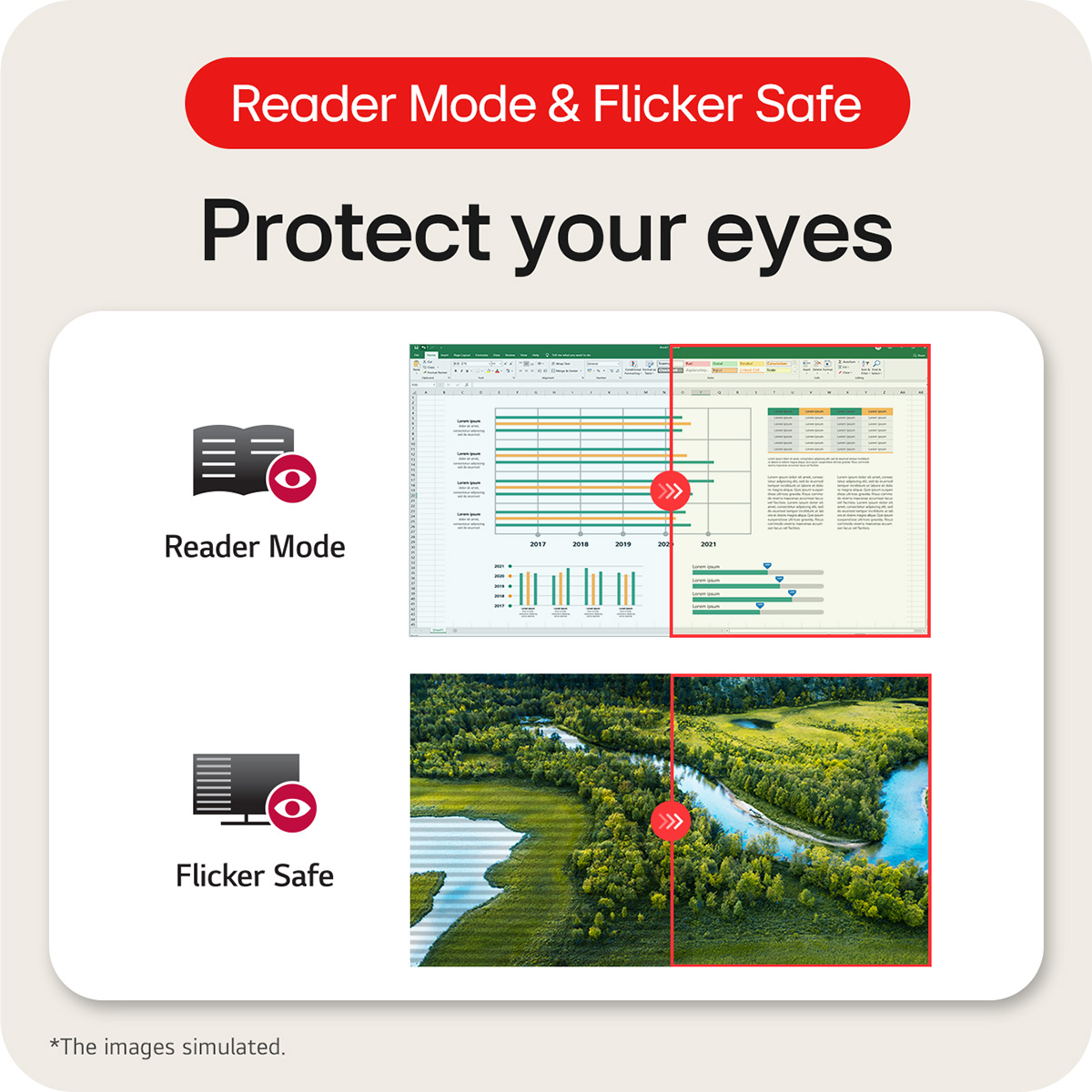
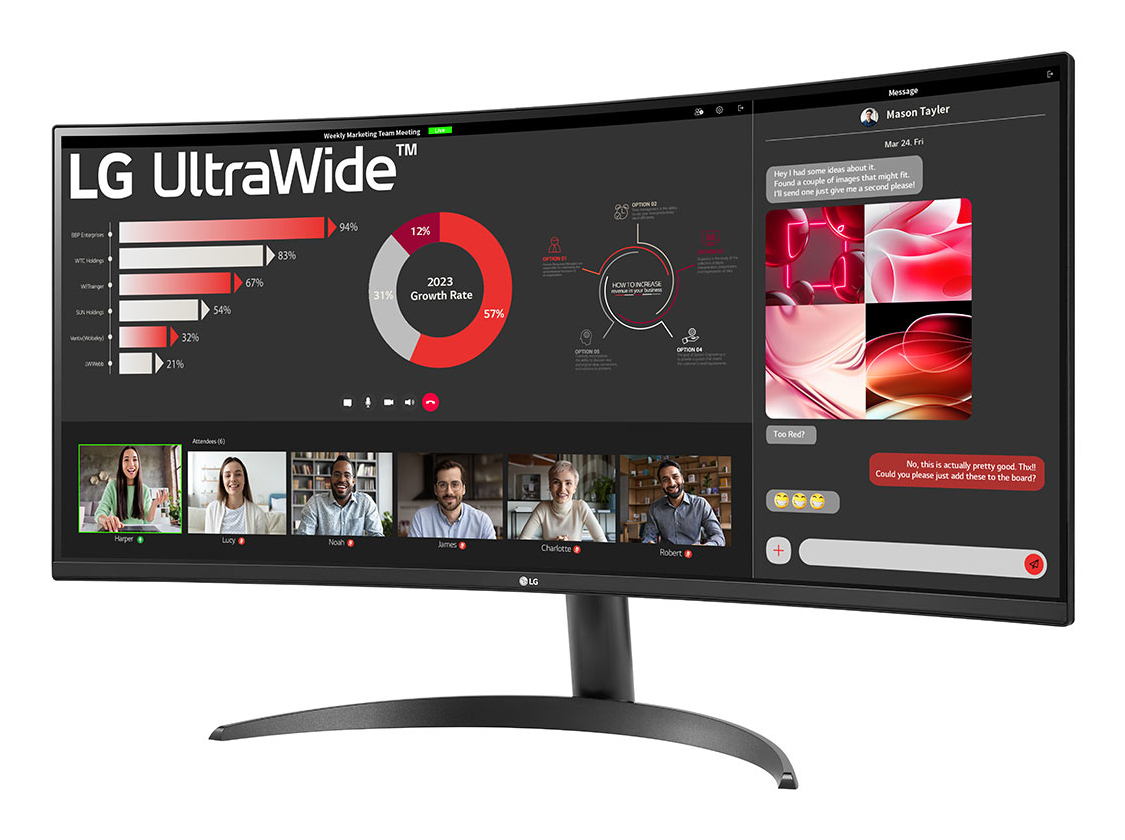
34-inch 21:9 Curved UltraWide QHD (3440x1440) Display: With UltraWide QHD (3440x1440) screen, you can multitask effectively-without shifting through programs. Wide colour range at sRGB 99% (Typ.) with HDR10: This monitor is compatible with HDR10 (high dynamic range), based on the sRGB 99% colour gamut, supporting specific levels of colour and brightness that enables viewers to enjoy the dramatic colours of the content. Picture By Picture (PBP): This monitor allows you to see multiple contents from two computers with the picture-by-picture feature, so it helps to process work efficiently. Easy and comfy: Achieve optimal positioning with the Ergonomic Stand: Simple setting with one click as well as easily adjust Tilt for your ideal viewing experience. Eye Care: Reader Mode & Flicker Safe help to provide eye comfort, reducing eye strain.
We are sorry but no alternatives are currently available.